Sundry Sunday is our weekly feature of fun gaming culture finds and videos, from across the years and even decades.
A bit of an oldie this time, and in more ways than one, a four minute stop motion animation from Rymdreglage made with Lego bricks, from way back in 2009. It’s still great though! By “8-bit,” in this case, they mean specifically the Commodore 64 end of the swimming pool, especially as concerns the game International Karate+. Even though this video is 16 years old, Ryndreglage is still making videos now! Have a look for yourself if you like.
It’s a good one today folks. Modern Vintage Gamer had a look into how the CPU opponents of two of the most popular and foundational fighting games, Mortal Kombat 2 and Street Fighter 2, cheat against players trying to progress far into the game on their meager financial resources.
Their Mortal Kombat 2 video (11 minutes) is three years old now and has racked up 1.5 million views, but it’s well worth reviewing. While MK2’s source code is not known to the public, UK3 for the Playstation’s source is known, and is suspected to be similar to that of the earlier game, and uses a dynamic difficulty variable called diff. MVG uses this source to make an educated guess of how and when MK2 decides to cheat.
Lest you think it’s only us filthy Americans who would resort to such underhanded means to rob honest teenagers of their quarters, Street Fighter 2 does it too! Much more recent is MVG’s four month old video (9 minutes) on that game. (If you’d like to skip the video’s preamble, this link is queued up to the beginning of the cheat discussion.)
In brief, the games use input reading and the ability to perform complex moves lag-free to get an edge over human players. A player would have to enter moves on the joystick and with the buttons, while the CPU can just do them, without having to spend that time. And by reading the player’s inputs (like the Ironknuckles in Zelda II), they can react to player actions reliably, where a human opponent would have to judge based on vague visual indications, and then respond with a move to counter your action that was already in progress.
I know it’s great because it includes a few games already mentioned on this blog, like Gar-Type! Find it (the list) here! And consider following Dominic on Bluesky or (via BridgyFed) Mastodon!
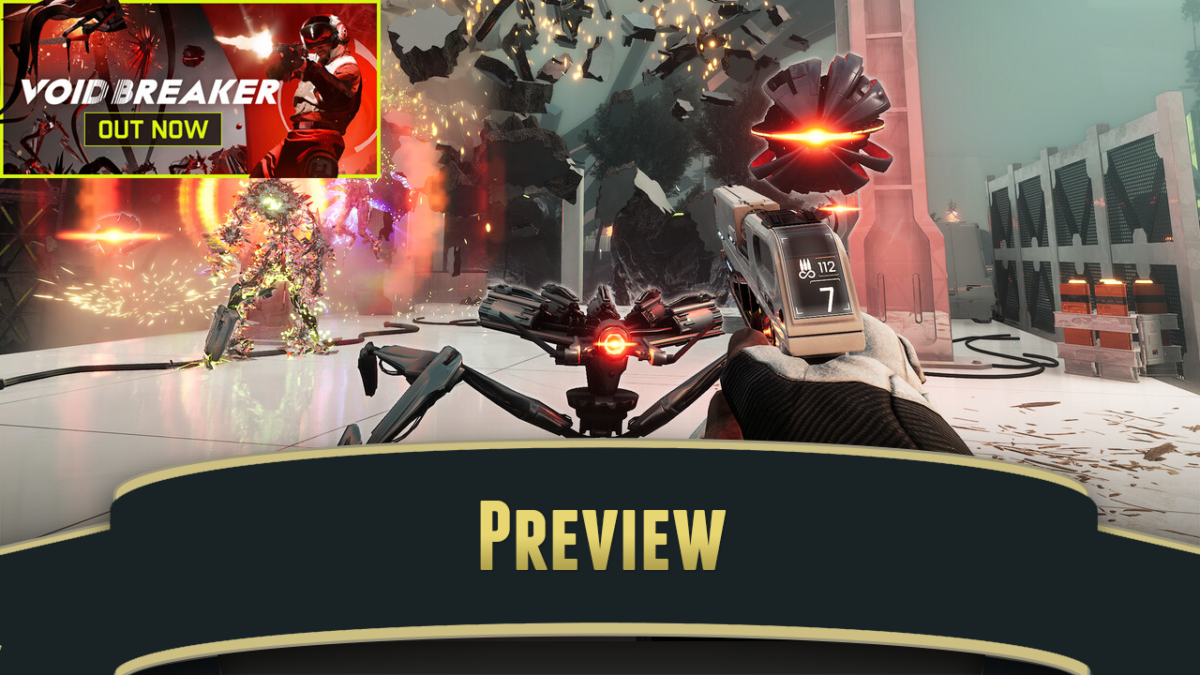
What can you use as a focus image for a post like this? I guess a screenshot is fine.
The N64 came out after the release of the Sony Playstation, which had already begun its meteoric rise. The Playstation used optical disc media, and had no on-console memory for saving like the Saturn did, so memory cards were a necessity for saving game state. While the N64 didn’t absolutely need them, since the biggest advantage of cartridges as a game storage medium was the ability to include hardware like flash storage in the cartridge (a feature used in Super Mario 64, the first system pack-in), an iconic feature of the N64 was the controller ports, which allowed the use of flash memory cards that could hold save data for multiple games.
As the video demonstrates, memory cards were plugged directly into the controllers, and controller paks allowed for some nice features. My favorite was how Gauntlet Legends allowed players to save characters to their own memory card, so you could maintain state between games played on different cartridges. (This feature would be retained in the Dreamcast version of Gauntlet Legends, which also had controller port memory cards.)
The Nintendo 64 didn’t have a BIOS or other internal boot time code. Like with the SNES, all of its executable code was contained withing the cartridges, or “Game Paks.” (Nintendo certainly loved to call hardware “Paks.” Pak Chooie Umf!) This meant that controller management features couldn’t be included in the console itself as with the Playstation, and any management would have to be done in the cartridge itself.
I don’t know if it was a Nintendo mandate that all games that used memory cards had to include their own menu to manipulate saved data, but in practice that’s what happened. All those games with their own controller data managers! And many games didn’t even expose them in the menus. I suspect that to this day many former and current Nintendo 64 owners don’t know, if they want to check what data is on a card or delete something, they have to insert a card-supporting game and hold Start while turning the system on.
Not all games! Just games that use memory cards! And the weirdest thing, which the video makes a deal out of, is that every game uses its own assets to implement the menu: graphics, backgrounds, fonts and sounds. Dozens of bespoke UI implementations, all to provide the same functionality. Some games add extra features, like exposing a little extra data or letting you switch between controllers. Some games have separate menus available after their normal startup; Rare did this, and sometimes those used completely different menus. But as far as I know, if a game used memory cards, you could hold Start at boot time to manage them.
It’s just another oddity with what, in retrospect, has become one of Nintendo’s oddest consoles. More information on N64 controller pak management menus can be found at consolemods.org. Information on N64 controller paks themselves is at ultra64.ca, which includes Nintendo’s policies on what cartridges should do to facilitate N64 memory cards.
Gauntlet is one of the best games that Atari Games made, and is certainly one of the best known, but it’s interesting how little even people who played it know about it.
Gauntlet has 100 levels, although seven of them take the form of an in-game tutorial. The first level has three exits; one if market EXIT TO 4 and another EXIT TO 8. EXIT TO FOUR skips the player forward a bit, and EXIT TO 8 leaves the training levels entirely. This is how Atari Games’ standard difficulty selection is implemented in Gauntlet, the first levels introduce various game concepts gradually: Ghosts & Generators, Grunts, Demons, Lobbers, Deaths, and Sorcerers get their own spotlights.
Starting with Level 8 though, the remaining 93 levels are part of a great loop. Players will notice that the difficulty increases greatly with Level 8. Which level is 8 actually varies between plays. Gauntlet lasts forever, there is no ending level and the loop never ends. When the last player in the game runs out of health, the machine remembers which level in the loop the game ended on. The next game begins at the start of the tutorial levels again, and when that game reaches Level 8, it’ll be the map that the previous game ended on. (More information on arcade Gauntlet can be found in FalkentyneDragon’s classic infosheet on GameFAQs.)
More than that, the game is known to remove food from levels, depending on how many players are in the game (fewer players means less food), player scores, which characters are being played and how many credits have been inserted during the current game.
Later revisions of the game put the screws on more tightly to try to prevent marathon games. Despite this, very good players can play indefinitely with certain characters. In this ten hour Youtube video, mackey_special plays continuously with Elf through 474 levels.
If you want to find out more, watch the video. They have videos for all four characters on their channel, here.
Note: I am not sure this is arcade Gauntlet. It’s possible that it’s the Japanese Mega Drive version. The Arcade Mode of Genesis/Mega Drive versions of Gauntlet (known as Gauntlet IV in some territories) looks and plays very similarly to the arcade version.
Owner of Game Wisdom with more than a decade of experience writing and talking about game design and the industry. I’m also the author of the “Game Design Deep Dive” series and “20 Essential Games to Study”
We’ve linked to Iftkyro’s work before here, he created the mystifying (if you know much about how the C64’s video hardware works) demo Nine, where a system that should only be able to move eight sprites around appeared to display nine. How was that done? As it turns out, with great difficulty, and not a little sleight-of-hand!
Iftkyro’s back with another impossible demo, Quondam Tunneling (4½ minutes, download), which appears to display an animated sequence progressing down a 3D tunnel.
In brief, the tunnel itself only has four frames of animation. The demo keeps multiple fonts throughout most of memory, which are flipped between every eight scan lines, that basically allows it to display arbitrary graphics with each character row. The C64 doesn’t have quite enough memory to do that with all the rows in the full vertical extent of the animation, so another trick is used, taking advantage of palette swapping and the C64’s multicolor mode to store two different possible rows in each font. The horizontal scrolling is done by moving the characters that make up each row left and right in a typical C64 scrolling way; vertical scrolling is done by adjusting which fonts are used as the raster line descends the screen.
Of course nowadays we have computers that can display largely arbitrary graphics throughout the whole screen. Processor power is great enough now that we can even do this in software, but additional to that most desktop hardware has powerful hardware graphics included. Even if you don’t have a bespoke graphics card, major processors from Intel and AMD include substantial graphics capabilities built into the CPU. Such is the power of these chips, it’s easy to forget how difficult these things were in the microcomputer era.
Essentially all of the consumer computers from the C64’s era, and many years before and after it, split the system up into two major parts, the CPU and the graphics hardware. The very earliest home computers, like the Altair and the KIM-1, didn’t have graphics hardware at all without substantial hacks, because they weren’t intended to display their output on a video screen. That was really the innovation that opened computing up to the masses. Until monitor or TV output was possible, home computers were basically little more than glorified calculators to most people.
Having the CPU and graphics chips interact with each other was one of the most difficult parts of the design of these machines. Consoles like the Famicom/NES could give each of these two parts what amounted to its own memory, which simplified system design and helped to make possible its graphics power, but it also meant that programming it was more difficult. You can see this in the glitchiness of some early NES hardware (like in Displaced Gamers’ recent video on the jack of NES Commando, as linked here).
To properly use the NES’s PPU, graphics changes could only be made at a certain time each frame, during “VBLANK,” a time when the PPU wasn’t actively drawing the picture. That limited what changes could be made each frame. There were some tricky ways around this, but they all involved adding extra hardware onto the cartridge, increasing manufacturing costs. Home computers used their tilemaps for text display, meaning tile changes had to be less restricted of timing.
This meant some weird compromises were needed. On the C64, the CPU and the VIC-II operated asynchronously, opening up the potential for bus conflicts if they both tried to access memory at the same time. The VIC-II actually has the ability to put the CPU to sleep when it needs access. The C64’s designers rated the consistency of the video signal as a more important priority than the chip’s processor itself.
Even if the graphics hardware could display arbitrary bitmapped images, manipulating them quickly was difficult. The C64’s bitmap screen takes up 8K of memory. At 1 megahertz, the 6510 doesn’t have nearly enough time to update every byte in one video frame. In the following generation of machines, the Amiga was a lot more capable, but through the use of specialized hardware, its copper with its flexible video modes, and its blitter which could move memory around more rapidly.
That explains why, as Iftkyro states, that Amiga demos can generally do this kind of tunnel effect, but the Commodore 64 requires using a very specific memory layout, and rapid switching between fonts and graphics banks, to do something that superficially resembles it.