A 6502 is not a bad little machine, but it does require efficient coding to get decent real-time results. NESHacker dives into basic Mario-style platformer movement in a 10-minute video
The main portion of the video goes into subpixel movement, a term you may have heard speedrunners use. Many NES platformer heroes don’t jump immediately to movement when a control is pressed, but instead increase acceleration, and that acceleration is measured, in the case of Mario, in 16ths of a pixel.
The process of conversion is pretty slick though. It doesn’t use floating point math but fixed point. Mario’s position isn’t stored just in hardware screen coordinates but in a number with four extra bits off the right side. This larger number is what acceleration math is performed on, and when it comes time to position Mario’s sprite matrix (he’s not properly a sprite because he’s made of several), the code divides by 16 by just rolling the bits to the right, which is a very time performant operation on a 6502.
Other useful tricks are explicated, like storing controller states in a single byte (easily done since NES controllers have precisely eight buttons) and jumping. It’s not a general guide into general platformer implementation, but that’s okay, as there already exists a terrific example of that.
For this interview, I (Josh Bycer) spoke with David Peters who is the designer of Disaster Arms and a lover of modern retro games to discuss the game, being inspired by Treasure, and what it’s like to make challenging action titles.
Owner of Game Wisdom with more than a decade of experience writing and talking about game design and the industry. I’m also the author of the “Game Design Deep Dive” series and “20 Essential Games to Study”
Oh we here at Set Side B try to make all kinds of posts, but among my personal favorite kind are finding some deep dive into some aspect of a game’s inner workings and presenting it. These days, for multiple reasons (such as ease of monetization) many of these dives turn out to be Youtube videos, but not always.
Christian Hammond (Bluesky) has begun a series of text articles looking into the specifics of the implementation of Famicom/NES game Faxanadu.
To explain its name, Faxanadu’s name comes from Xanadu, an early JRPG from Japanese computer game maker Nihon Falcom. Falcom didn’t make Famicom games themselves, but they did sometimes license their games to other developers to make Famicom ports of them, or spinoffs. Faxanadu, developed by Hudson Soft, is such a spinoff. It has nothing to do with Xanadu other than being a non-scrolling exploratory platformer. Its name is a combination of “Famicom” and “Xanadu,” you see. While it’s not at all as popular as a Dragon Quest/Warrior, it’s well remembered by many.
Christian disassembled the whole game, and found out that it has three separate binary scripting languages. His series to document and explain them so far has only Part 1, which is here, but the rest are forthcoming soon.
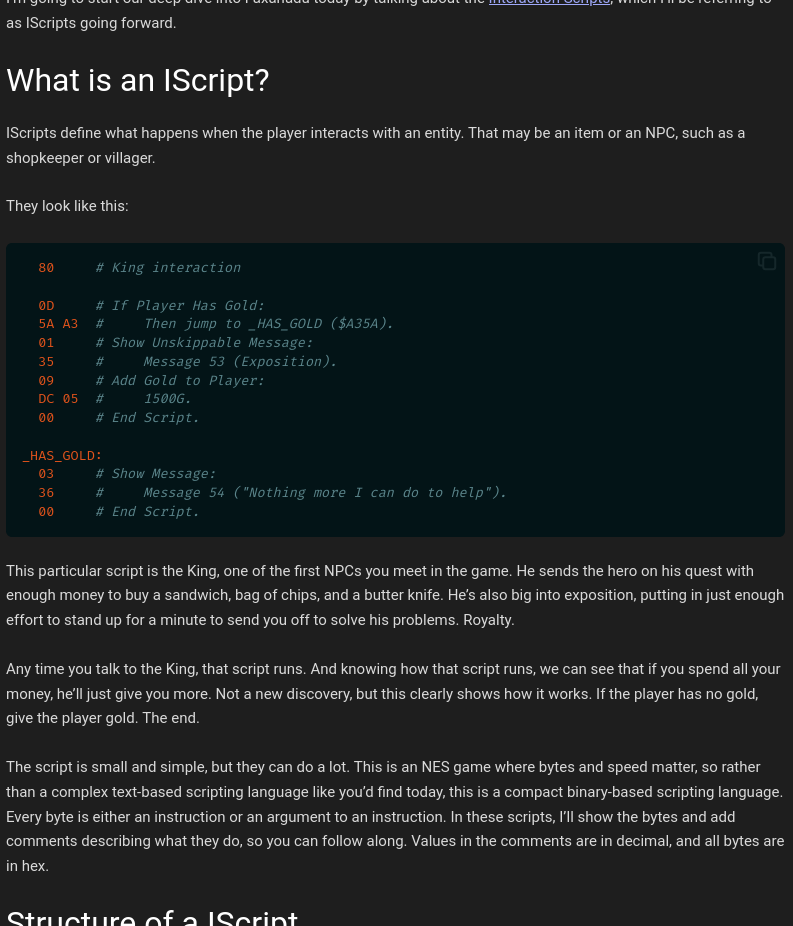
This first part explores what is possible using interaction scripts, or “IScripts,” which are run when the player runs into some object or speaks to an NPC. It’s quite easy to understand. If you have some interested in how these things are built and run, it’s worth it to take a look.
Basement Brothers is a great Youtube channel that finds and runs classic PC-98 games on original hardware. The PC-98 is a computer platform that was only sold in Japan, and was a home platform for Nihon Falcom, the long-lived JRPG publisher. Here they talk about Brandish, a unique style of dungeon crawl created for the PC-98. (38 minutes)
The first Brandish game did get an English port, released in the US on the SNES, but in Japan it got three sequels. It used sort of mixture between first-person and overhead view, with a bit of roguelike mixed in. You viewed the action from above, but your character was fixed to the bottom center of the screen, and the view was behind his back. He could move or jump forward, or strafe to either side, but if he turned 90 degrees the screen would be suddenly redrawn to the new facing. Enemies would attack you in the field in real time, that is to say, combat was not modal but took place on the same screen as exploration.
It was a bit disorienting; you might think that the SNES’s Mode 7 effects could be used there, but no it kept the same quirk. Smoothly rotating the view wouldn’t happen until the PS Vita remake years later.
Basement Brothers digs up lots of classic Japanese computer games that are still barely known in the US. Please check them out some time!
Nethack (I am more used to writing it without the capital H) is a venerable roguelike computer game, and by some measures the greatest roguelike of them all. Long before Caves of Qud or Dwarf Fortress it was, and still is, a game of surprising depth, and for many years no other games were anything close to it. Even today, few games do.
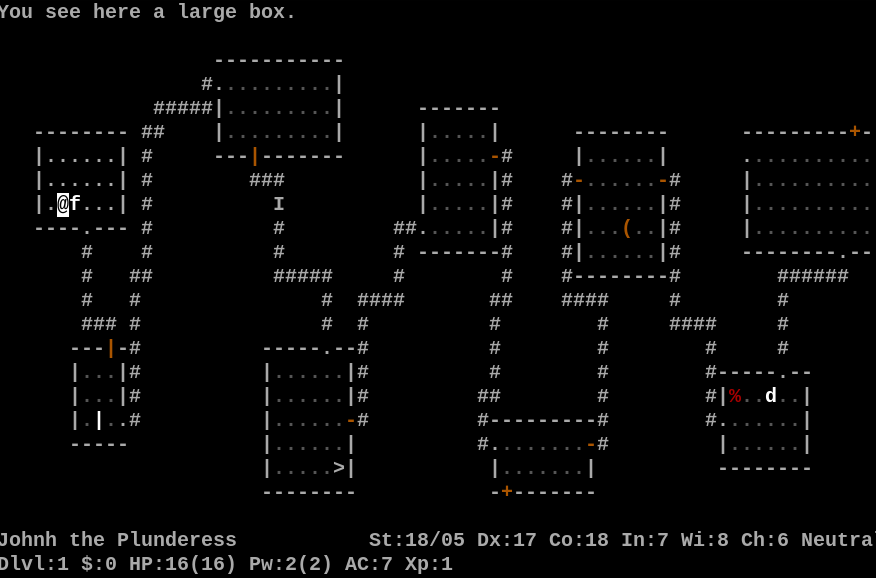
Level 1 of the Dungeons of Doom
The history of the game is recounted on the excellent Nethack Wiki. It got its start as a remake of Jay Fenalson’s Hack (1981), itself a recreation of Rogue (1980), and which was remade by Andries Brouwer (1984). The first version of Nethack, sometimes stylized ad”NetHack” was 1.3d, posted to Usenet by DevTeam leader Mike Stephenson in June 1987.
Nethack 3.0 (July 1989) saw major changes to the gameplay. Nethack 3.1 (January 1993) greatly changed the dungeon, and in large part all following versions are modifications and elaborations upon it. In the time since sometimes there have been great pauses in its history. Nethack 3.2 arrived April 1996; Nethack 3.3 in 1999; Nethack 3.4 in 2002; Nethack 3.5 in 2002; Nethack 3.6 in December 2015; and now, Nethack 5.0 on May 2, 2026.
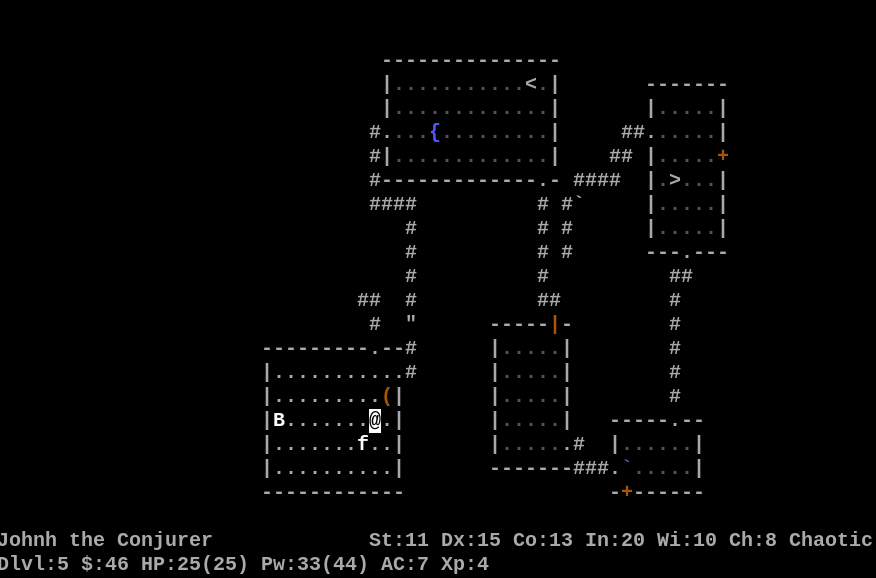
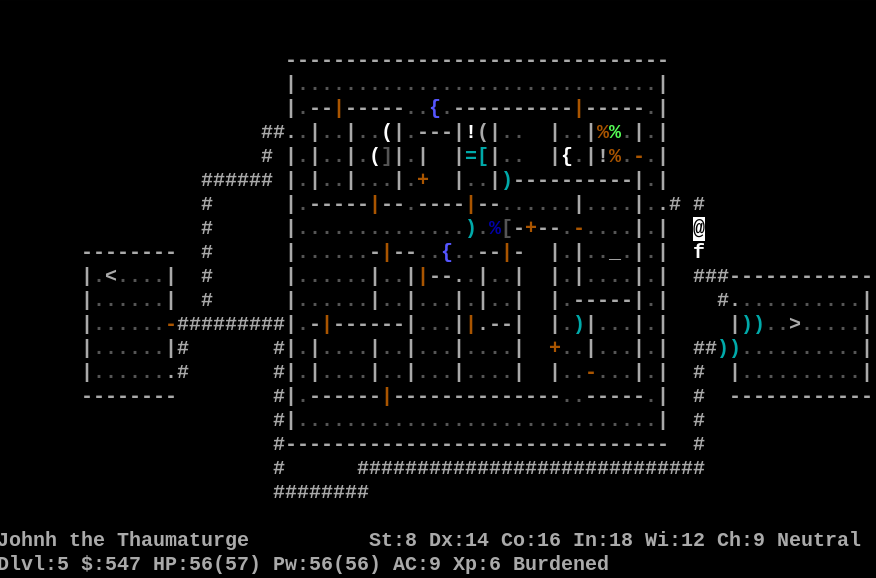
Level 5 of the Dungeons of Doom
Here is a list of major changes, though it contains significant spoilers, and a note tells us that this is a renamed changelist from 3.7. With 3.4 the Devteam switched to a Linux-style numbering system: even minor numbers (like 3.6 and 5.0) are releases for wide play, and odd minor numbers (like 3.5 and 3.7) are development versions mostly intended for work and bug testing. Even so, as with all major versions of Nethack, bugs almost certainly exist in this version. Nethack jumped past version 4.0 probably because a notable fork called itself Nethack 4.
Three major architectural changes made in this version: the code now supports C99, bringing its source to the cusp of the 21 century. Much better support for cross-compiling exists now, building it on a system it’s not intended to run on. And the old yacc/lex special level construction system has been replaced with Lua. This make Lua a build requirement.
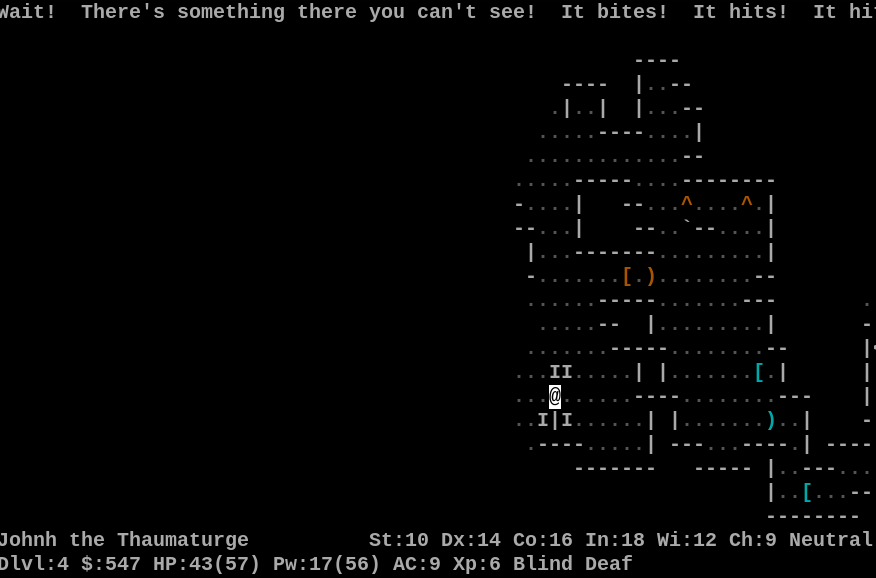
Exploring the Gnomish Mines
So, how do you play it?
For three systems binaries are provided: Windows, MS-DOS and Amiga. Yes, Nethack still supports MS-DOS, and yes, it still supports classic Amiga: it explicitly supports AmigaDOS 3.0, meaning it can still run on 68000 machines. While Atari ST support isn’t explicitly claimed, plenty of references to it are left in the code. (Does Lua exist for ST?)
That these are the only systems they provide binaries for shouldn’t be seen as an indication that these are the “most important” platforms for Nethack, it’s more that, since it’s entirely open source, building it yourself is entirely possible, and more expected than with most software. Nethack can be built for Linux, Windows 8-11, AmigaDOS, MacOS (I’m not sure if this includes classic Mac too but it might), Windows CE (wow), OS/2 (additional wow), BeOS, VMS and multiple Unixes.
The town in the Gnomish Mines
Linux poses a special challenge for releasing binaries since there are so many distributions, so until 5.0 becomes the main Nethack in their repositories you’ll probably have to built it yourself. I have done this on two systems and can vouch that it’s doable, make sure to read the directions carefully though. After reading the README in the top level of the gzip tarball, the file you want to follow is in sys/unix/NewInstall.unx, which will tell you the manner in which to invoke sys/unix/hints/linux.500, and then ultimately, again from the top level of the source, make fetch-lua, make all, then make install. I ended up with a directory in my home called nh/install/games/, which contains a script that starts the system-installed nethack. Note that nethack supports multiple play styles: ordinary tty, curses, Windows UI, X11, Qt, Gnome and more, and configuring any of those besides the standard game will mean you’ll have to find an option to enable in include/config.h.
Another option is to play through public Nethack servers. The most popular of these are probably alt.org and Hardfought. alt.org doesn’t seem to make 5.0 itself available yet, and I’ve been able to get through to Hardfought today via ssh (possibly due to a misconfiguration on my end). If you can set them up for play then not only do you not have to build or install the game yourself, but you can even play with public bones, the remnants of other players’ games, adding an additional layer of high-stakes randomness to the dungeon.
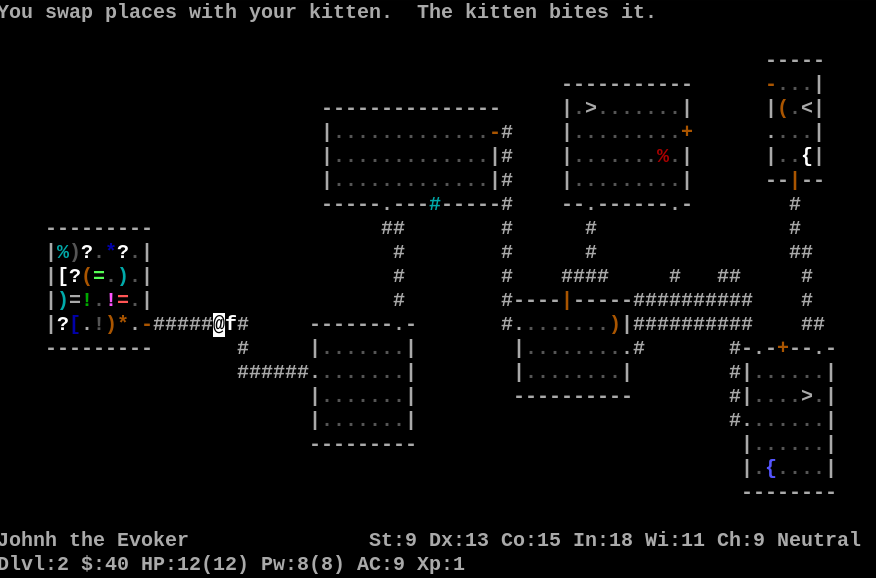
A shop on level 2
For New Players
I wish I could point you to my old @Play column on learning Nethack, but its home blog GameSetWatch has been gone from the living internet for four or five years now. My book Exploring Roguelike Games from CRC Press has it, but it’s quite expensive unfortunately. It’s still buried somewhere in the Internet Archive. I must hunt it down some day.
If you haven’t played Nethack before you are in for a bit of a learning curve. Nethack 5.0 now has an optional tutorial in the early phases of the game that might help you. You can always press ? during the game to find its help system. If your keyboard has a numpad you’ll really want to enable it, or else you’ll have to learn vi keys, hjkl, for movement, as well as yubn for diagonals. This will also push several important commands into the “extended” input system, where you either hold Alt (aka Meta) and press a letter, of if you don’t even have that, you press “octothorpe” (#) and then type a command name. This is especially annoying for the #kick (Alt-K) and #loot (Alt-L I think) commands, needed for opening locked doors and chests, and getting items out of chests. You can set options during the game with #option (Alt-O), or in .nethackrc, defaults.nh, or NetHack.cnf, depending on your platform.
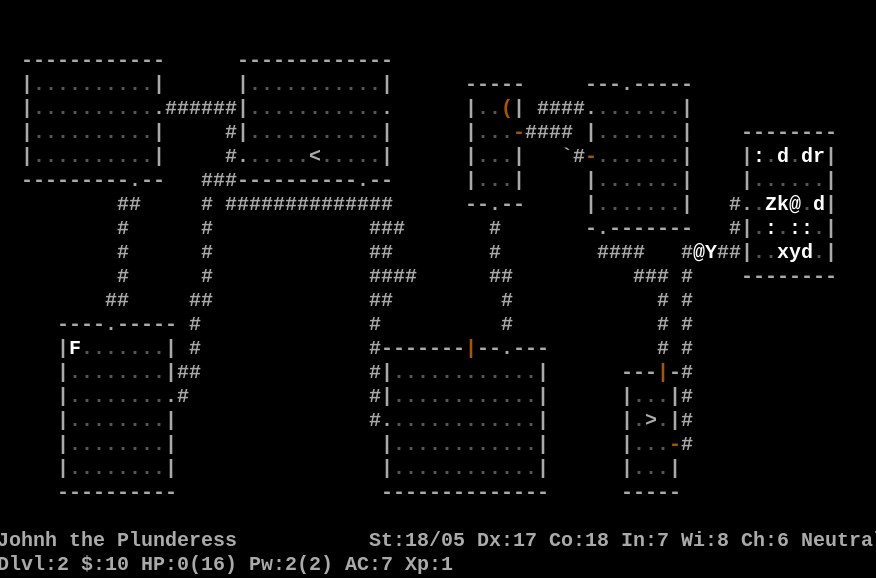
A statue garden on Level 2
I can’t impress enough how much fun Nethack still is, even after all this time. There is a ton to learn before you can play well (read the wiki if you don’t mind spoilers), but it’s mostly entertaining knowledge. What other computer game freely quotes from sources ranging from Edmund Spenser to Terry Pratchett? It plays much faster than roguelikes of more recent vintage. Every level is only one screen in size, characters advance through the early levels rapidly, and its monsters and item systems are still top class. It’s true that I do miss the days when they’d introduce huge new features (3.0 and 3.1 each made it into almost an entirely new game), but there’s still a lot of things to discover. Gehennom, the deeper areas of the dungeon, has been changed greatly, and I look forward to reaching those hellish climes once again.
This is the recording of our Debut Devs Showcase stream, focusing on first-time indie devs and student projects. If you want to sign up for a future stream, here are the rules and sign-up page
Owner of Game Wisdom with more than a decade of experience writing and talking about game design and the industry. I’m also the author of the “Game Design Deep Dive” series and “20 Essential Games to Study”
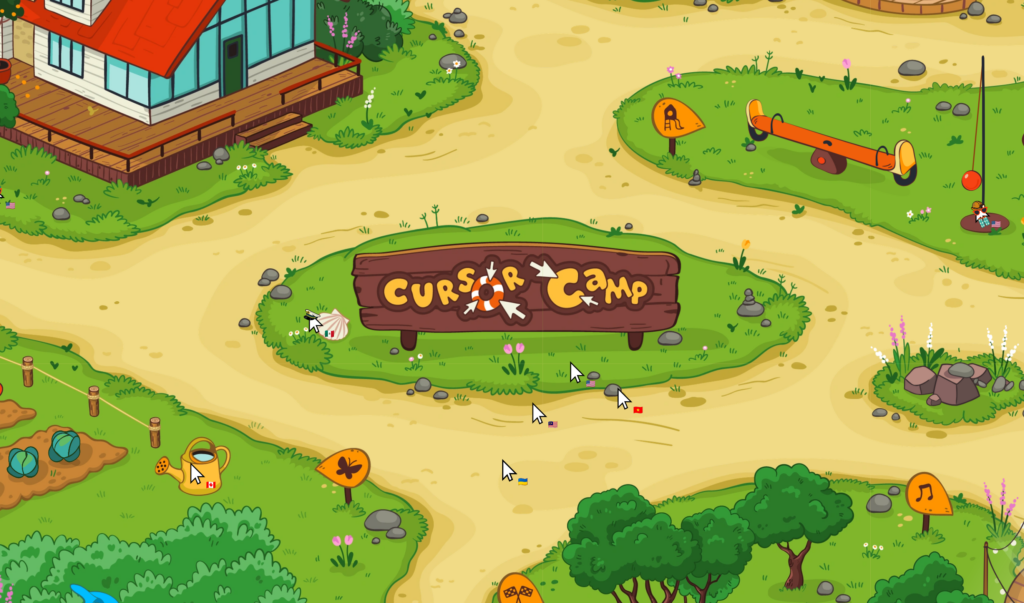
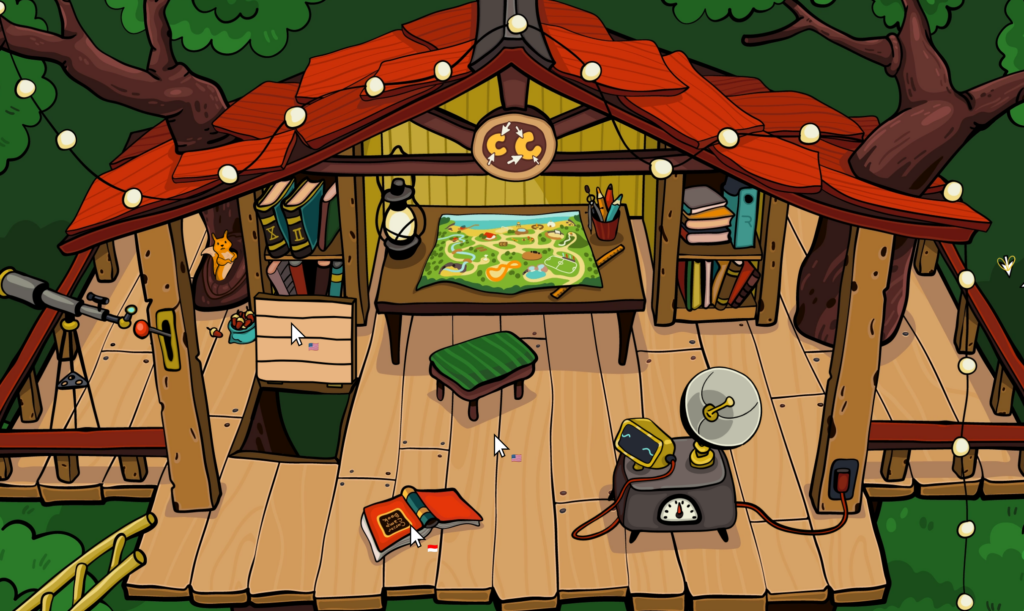
When you load the page it’ll inform you that the page wants to take over your cursor. Let it, but remember that you’ll have to press Esc(ape) to get it back. It needs it so it can let it to fun things, like slide down slides, float down rivers or ride carousels!
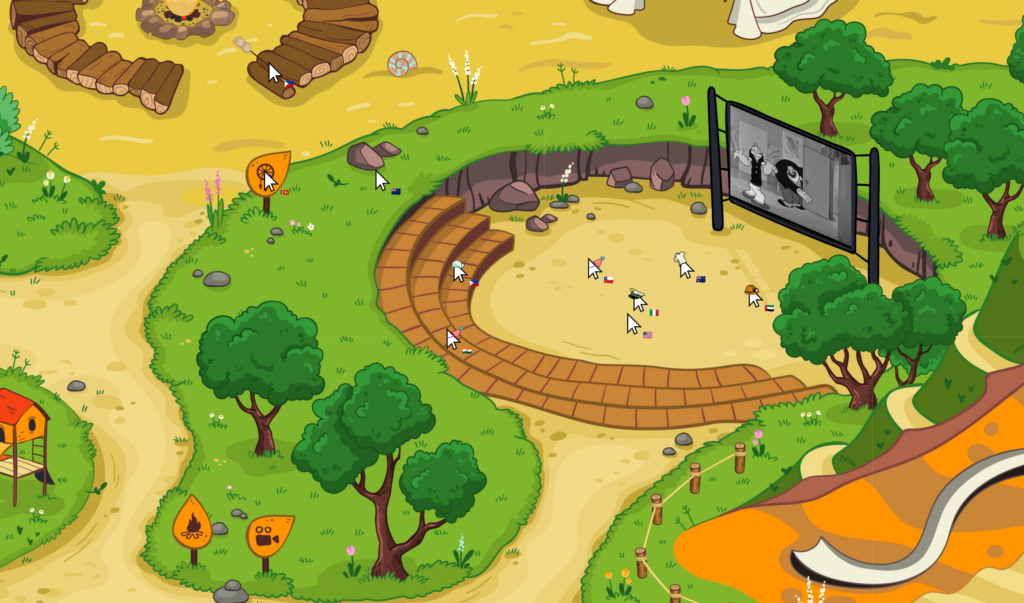
There’s quite a lot of fun things for your summering cursor to do! There’s movies and Popeye cartoons in the camp theater to watch, there’s a cat to pet, there’s chairs to sit it, seashells to collect, hats to wear, chandeliers to knock about, and much more! And you can do them all with a horde of other pointers from around the world who are exploring too, each with a little flag to indicate which country they’re in.
Low-powered machines like my Pi 500+ may struggle with all the 2D effects going on, but other than that the only thing wrong with it that it doesn’t remember anything about your session when you close it. So if you want to have a go at collecting all nine achievements (noted in a book in the cabin lobby), you’ll have to do it in one sitting. Fortunately they’re not difficult to earn, and even easier to re-earn.
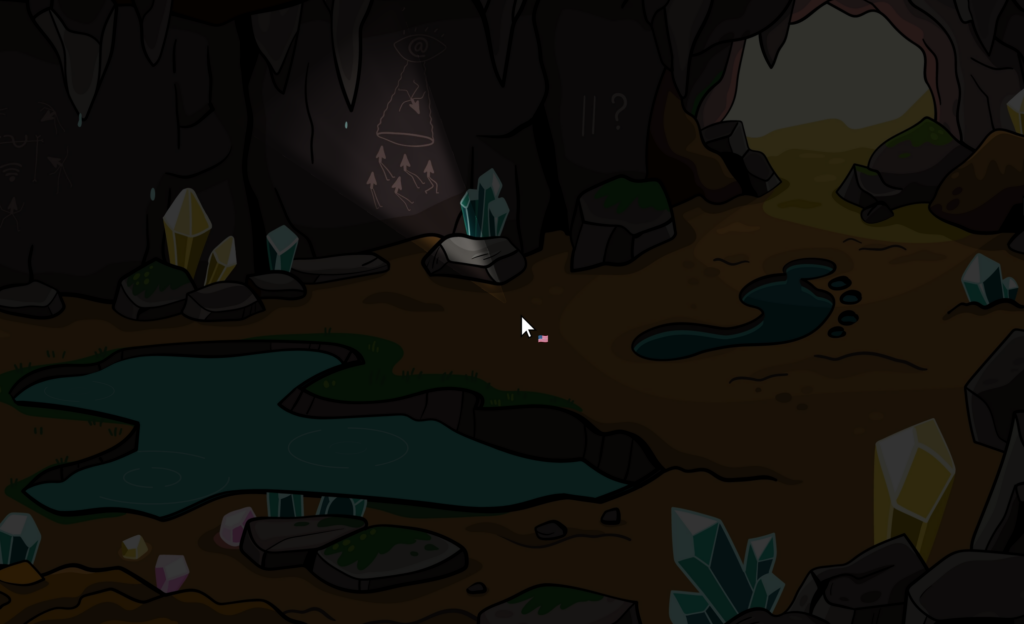
There’s even what seems to be a backstory to the camp, which you can uncover by reading the book in the treehouse, playing with the radio there, and maybe also interpreting the drawings on the wall of the cave. Are they just quirky easter eggs, or is there some meaning to them? I don’t know; maybe you can figure it out.