An Overview of Type-In Computer Magazines

In the old old old old old old old OLD* days, people wrote computer programs by either filling boxes on paper cards or punching out squares, like they did (maybe still do?) for standardized tests. The cards would be fed into card reading devices, some of them called Hollerith machines, to be read into the computer’s memory. (Asides: Hollerith machines were invented in the 1800s. IBM’s start was in making them. IBM’s website though won’t be keen to publicize that they were used by the Nazis.)

(Another aside: What do the olds mean? Old #1: before social media. Old #2: before smartphones. Old #3: before Google. Old #4: before before the World Wide Web. Old #5: before the internet. Old #6: before online services. Old #7: before home computers. Old #8, the all-caps one: before timeshares. There is an awful lot history in the early years of personal computing that gets overlooked.)

The ultimate point after all this discursion is that paper, while little used today, is a time-honored way of entering computer programs. A while after that neolithic era, when home computers first hit it big, there grew a market for programs that weren’t as big and expensive as boxed copies on store shelves. That was the age of the type-in program magazine.

It’s the same age that that Loadstar thing I keep bringing up belongs to, but truthfully it lies only on its edges, as it was a disk magazine, created specifically to bypass the trial by fire that type-in magazines subjected its users to: sitting at a keyboard for hours, laboriously entering lines of code, or even plain numbers, in order to run some simple game, novelty, or other software. Loadstar itself served as the disk supplement, that is, media that carries all the programs from a print magazine’s issue, for both Commodore Magazine and Power/Play. (That age of Loadstar stretches from issue 9 to 61.)

I don’t know when the first magazine that published software in print form was, that’s a solid fact kind of question, there definitely was a first at some point, but there’s been tens of thousands of magazines, some of them really short-lived and obscure, and there’s a great many edge cases to look out for. Mad Magazine, to offer just one example, published a type-in in one issue.

To state that solid fact definitively requires more time and resource access than I have. But a strong claim could be made for The PET Gazette.
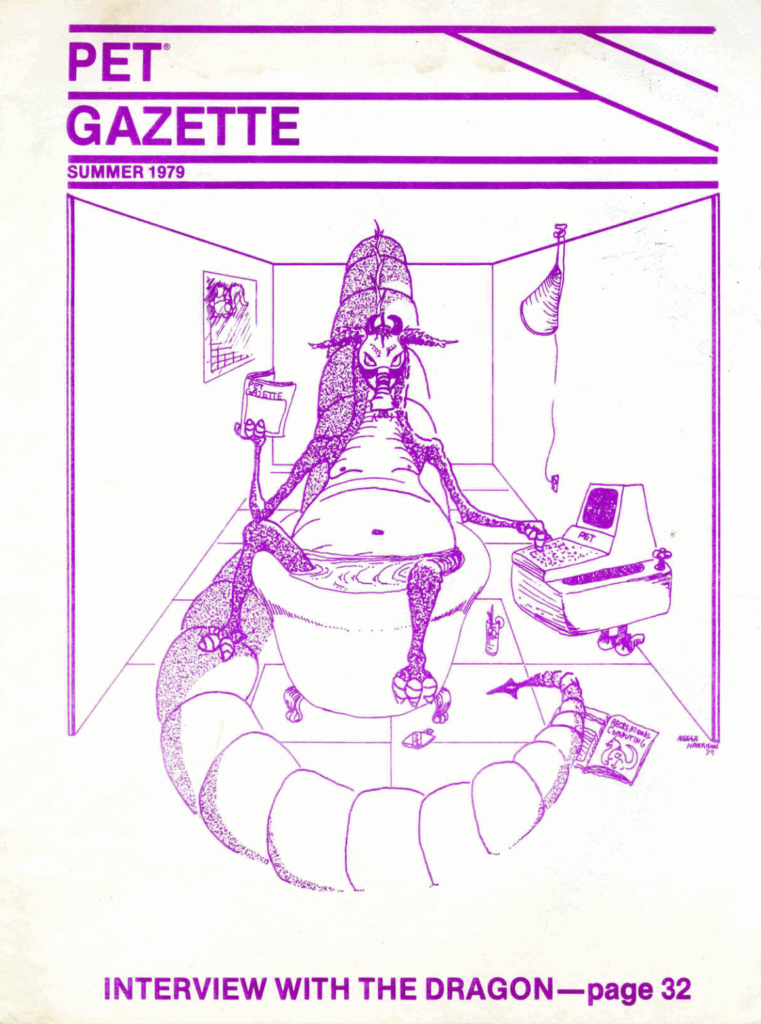
Computer magazines used to look like this! That’s what they’ve stolen from you!

The PET Gazette’s first issue was near the end of 1979. It was more of a fanzine, with a few aspects of a science journal, than a general magazine. It served a highly motivated and focused audience, the kind who would drop $800 in 1970s money on a machine that had 4 or 8K of RAM. The kind who thought making a machine perform automated calculation or data manipulation, all by itself, seemed really really neat. (I kind of feel that way, even now.) The kind like that, or that else bought one of the even earlier kit computers, like the KIM-1, which users had to assemble from parts, soldiering iron in hand, and for which a video monitor was a hopeless extravagance.

I would say at this point that you might know PET Gazette by its rebranding in the early 80s, to COMPUTE!, title in all caps, with exclamation point. But then I would be expecting you to say “Wow, I had no idea!” But who these days even remembers Compute? (I’m not going to persist in replicating 45-year-old marketing stylization, I have difficulty making myself type Xbox.)

As its title indicates, PET Gazette focused primarily on the PETs, along with the KIM-1 which is like a sibling. Compute served a community of users of many different platforms, of like half a dozen: Commodore microcomputers of course, but also Atari 8-bits, the Apple line, the TRS-80s, the early days of the IBM PC, and at times even some more esoteric models.
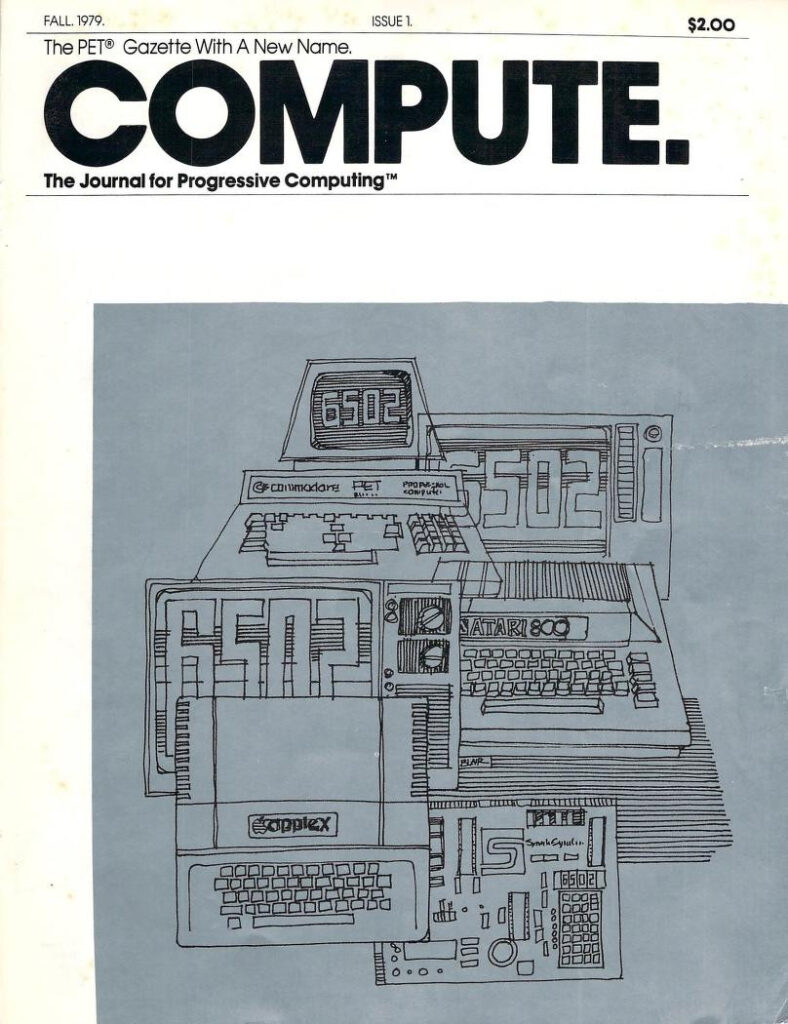
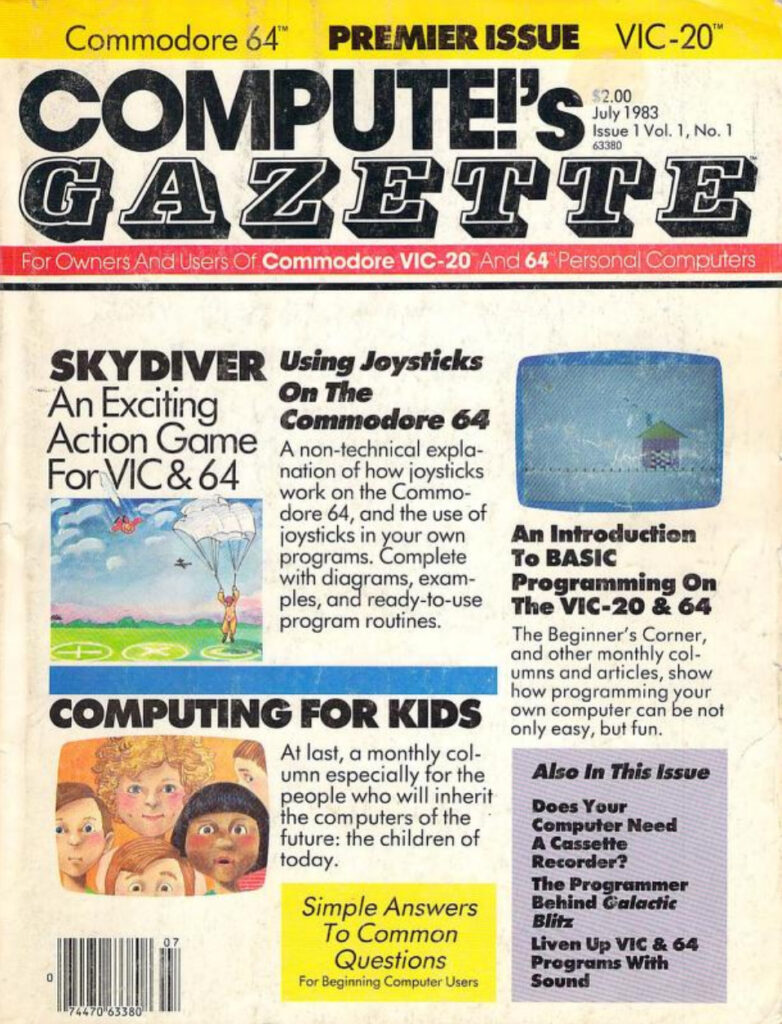
Compute’s first issue. At the start, it used a period in its title instead of a bang.
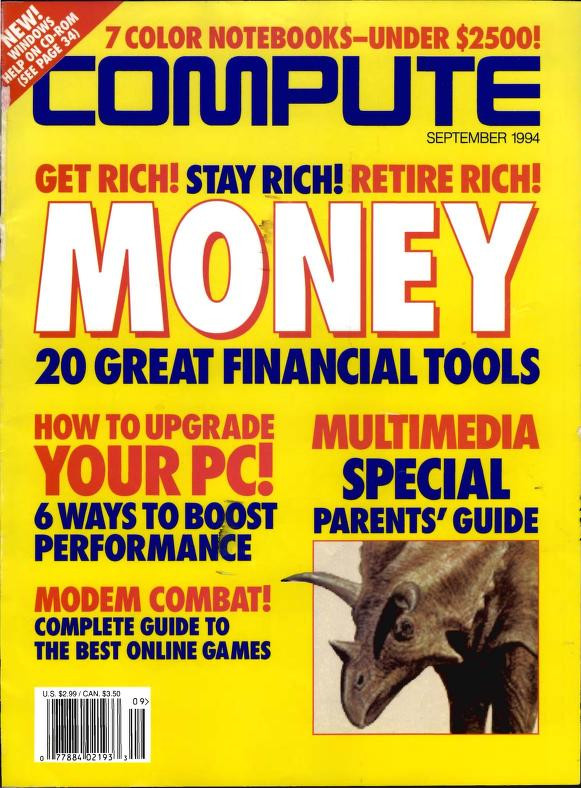
Compute’s last issue. It had dropped type-ins a few years before. By this time it had dropped the exclamation point and was owned by the publishers of Omni (hence the font of its title). It got sold to the murderers of many a tech magazine, Ziff-Davis, in order to get ahold of its subscriber list.

Compute soon spun off two or three subscriptions for specific platforms, for users who wanted more than what was limited, by space reasons, to one or two programs an issue. By far the most significant of these was Compute’s Gazette, its title a tribute, to those who knows, to the Compute empire’s origins.

I’ve mentioned here before, certainly, that Loadstar lasted for a surprising and amazing length of time, 22 years. Compute’s Gazette (Internet Archive) wasn’t nearly so long-lived, but it still made it pretty far. Wikipedia claims that it survived to 1995, but really its last issue as its own magazine was in 1990; then it persisted for a bit as an insert in Compute, then as a disk-only periodical.
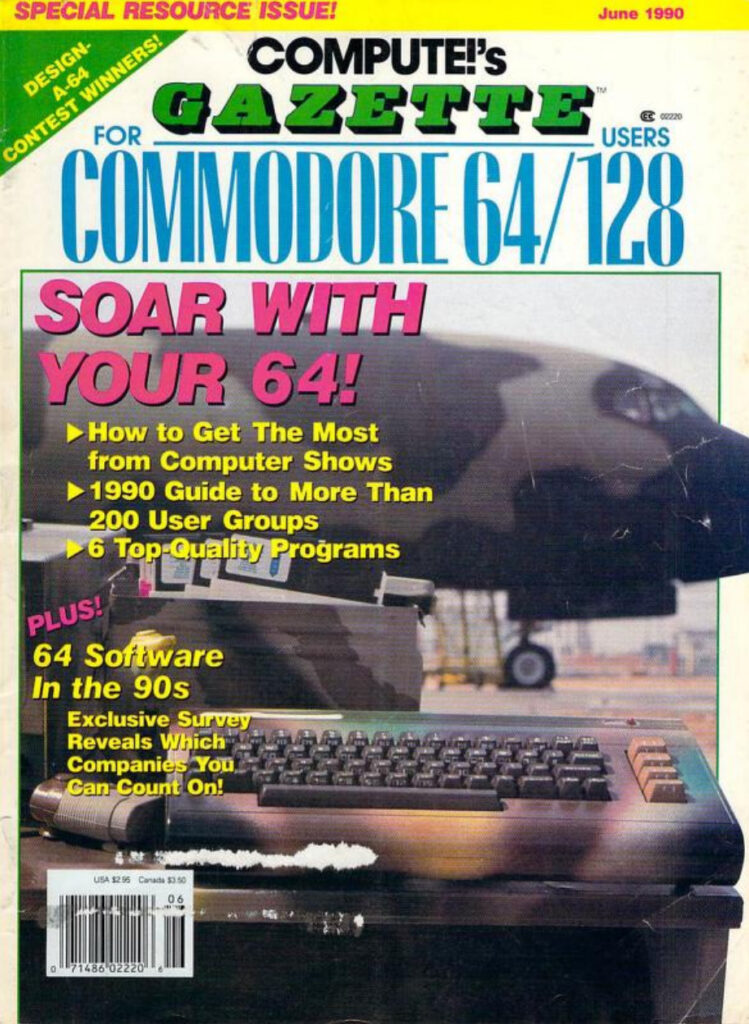
Look at that cover! Distinctive! Informative! Interesting!
…and the last cover. I don’t think it’s nearly as interesting, but by that point it was lucky to be a magazine at all.

Fender Tucker tells me that when Compute’s Gazette closed up, they paid Loadstar to fulfill their remaining subscription obligations, so at least they did right by their remaining customers. It was a dark day when CG perished, though, the former heavyweight of the type-in scene.

Some other type-in magazines of the time were Ahoy! (again, with an exclamation point):
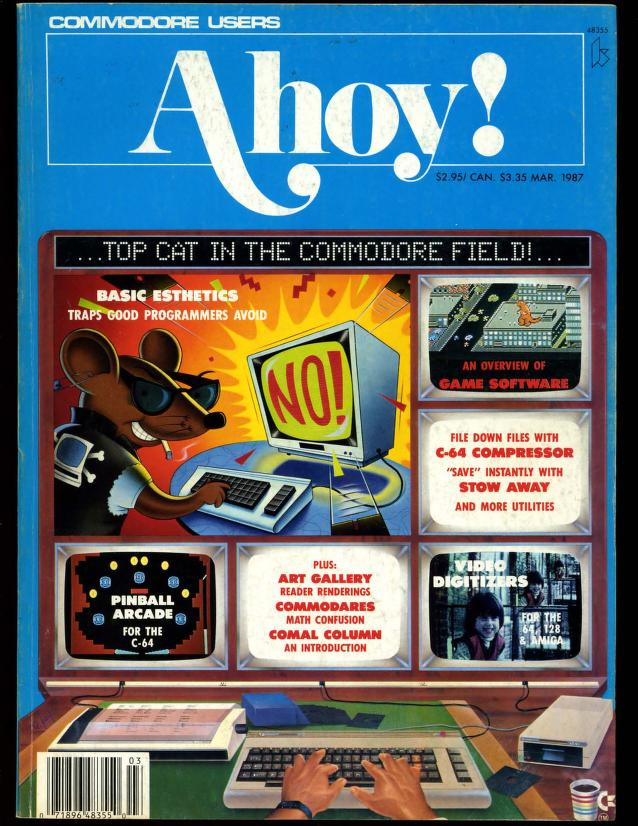
Ahoy also had a distinctive design!

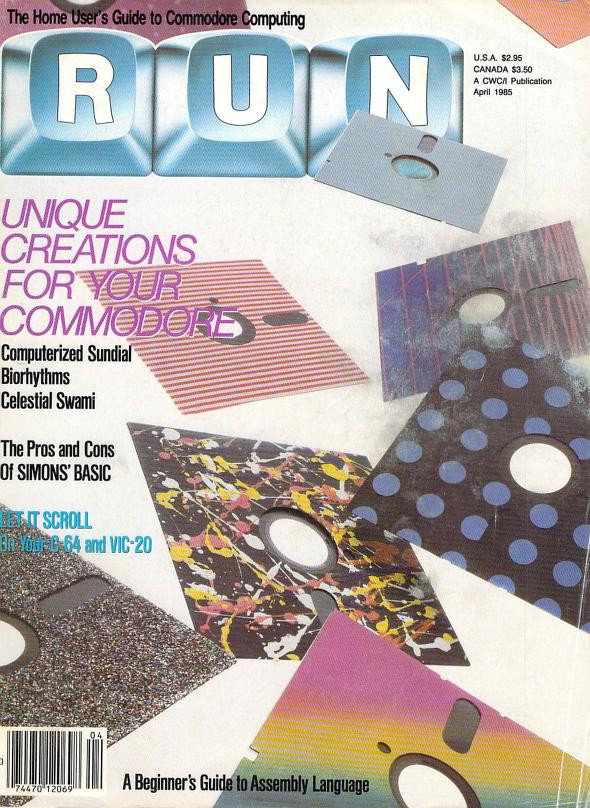
…and Run:

The word has arrived via the Floppy Days podcast that the Compute’s Gazette may soon return. What really happened is that James Nagle saw that the trademark had lapsed and registered it himself. There’s no continuity of editor, writer or IP with the original. Yet I still hope that Nagle’s effort, which rebrands the Gazette as supporting all retro computing platforms, succeeds. His heart is in the right place at least. Here’s their website. I hope that they at least have the sense to offer a way to enter programs other than typing them in by hand; that was always the worst thing about these magazines.

Michael MJD Shows Off Nintendo Promotional Web Browsers

The Internet was really turning into a big thing in the early 2000s, and a lot of companies hopped onto it to hawk their products. Nintendo was a little more standoffish about it than Sega, remember that the Sega Dreamcast had a built-in dial-up modem, and came with a web browser disk, while the Gamecube had no online functionality without the LAN adapter.

Web browsers would come to Nintendo platforms with the DS and Wii, and there are hints that they had at least considered it with the Gamecube (we’ll look into that tomorrow). But Nintendo did release PC web browsers, in order to help hype their games among internet savvy kids.

Michael MJD examines the phenomenon in a 19-minute video, here:

The programs in question were produced by Media Browser, who tried to turn branding-soaked web browsers into a viable business model. Media Browser is long gone (they lasted just two years), but some parts of their website are preserved on the Wayback Machine. Customized browsers produced were themed after Mario Tennis, Paper Mario, The Legend of Zelda: Majora’s Mask, Pokémon and Nintendo Power (thought it’s more of a Banjo-Tooie theme).

After Media Browser went out of business, another company, Braun Communications, stepped in and made three more browsers, it seems using the same software Media Browser did, for Metroid Prime and two more Pokémon games.

Under the hood they’re all reskins of Internet Explorer 5.0, so Media Browser/Braun wasn’t actually distributing web browsers per se as fancy borders to put around the browser that was already on Windows users’ machines. It also meant that Mac and Linux users weren’t allowed to have a Legend of Zelda web browsing experience: Ganondorf wins again. These were all free browser skins, but some of them showed ads to you, so you were essentially installing an ad banner directly to your machine for no useful benefit. Bonzi Buddy, eat your heart out.

So! What is using Nintendo’s branded web browsing solutions like today? Well first, even if you dig up the version of Windows they support (Win 95-98-ME era), they demand to be registered before use, and that site is long dead, so it’ll require a registry hack to put them through their paces. All of these browsers still exist on the Internet Archive, as linked on the video’s description section. Here’s direct links to the pages: one, two, three, four. If you look through them you might find some extras, like screensavers of the different properties. Those should still work, right?

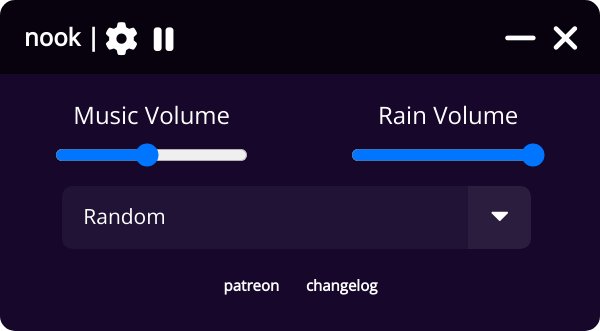
Nook (the music playing program)

I found out about this program that runs in the background and plays time- and season-appropriate Animal Crossing music. It’s free, there’s versions for Windows and Mac on the site, and I found a copy on the Arch depository so there’s obviously a version for Linux too. It even has a rain option.

Pretty simple today, but it’s free and fun and free. It’s freeee!

Nook ($0, Windows, Mac and Linux)

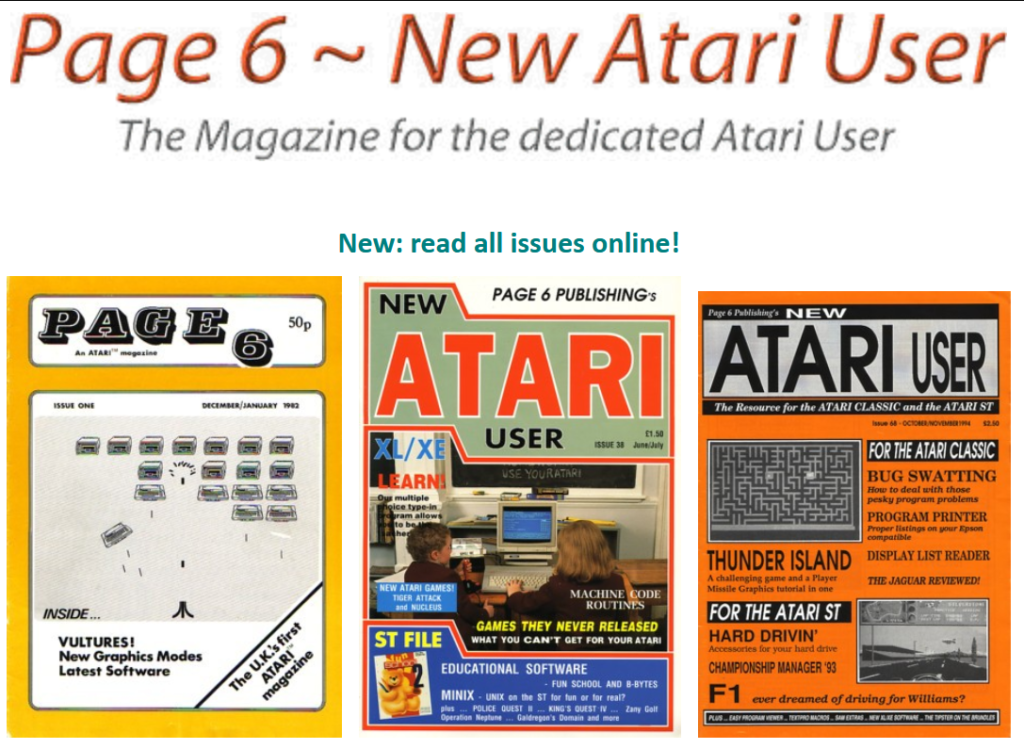
Page 6 Public Domain Atari ST Archives

Quick intro this time, because I don’t really know much about the Atari ST, but there’s a huge trove of public domain software for it from the archives of Page 6, as well as magazine archives!

Now that’s what a website should look like!

Page 6: Atari ST software collectionmagazine archives

Simon Tatham’s Puzzle Collection

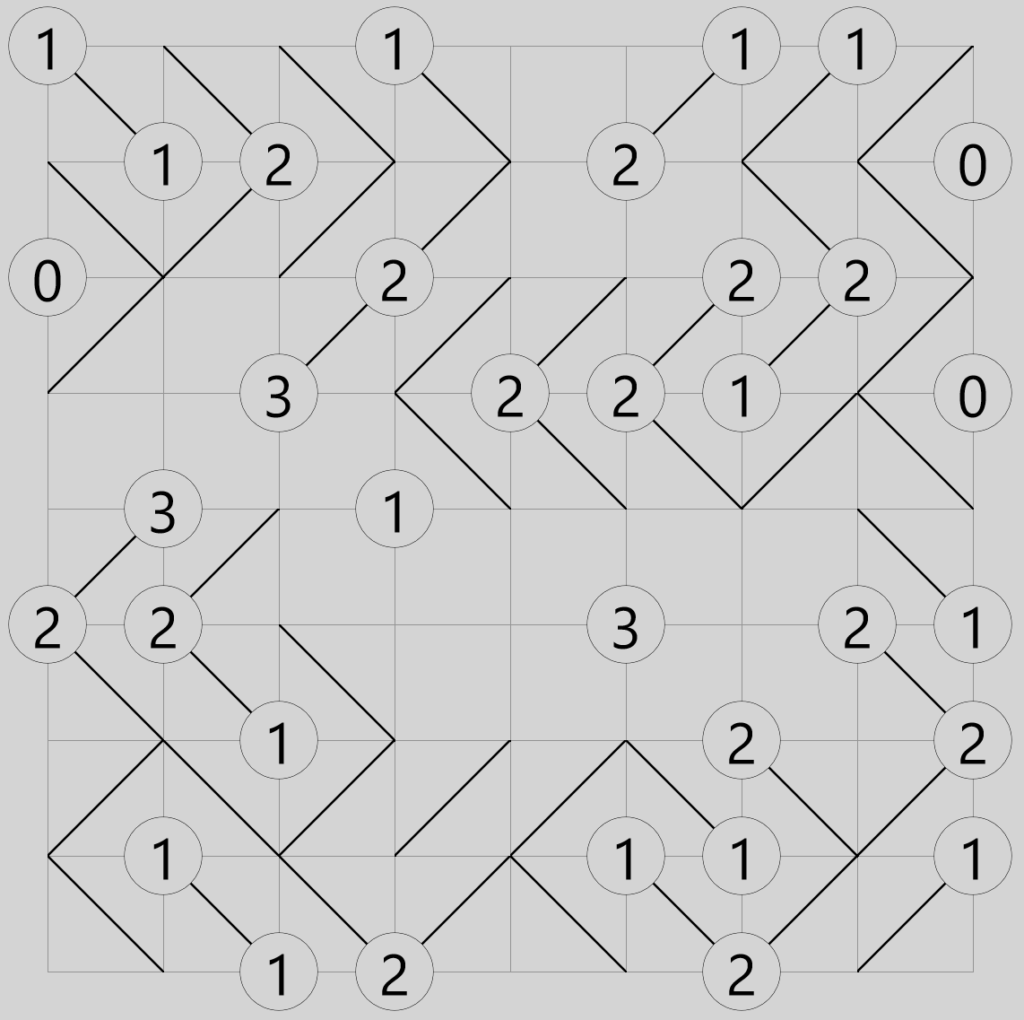
This is Slant. I could tell you so much about Slant, but I think a lot of the fun of these puzzles is figuring out a good process for solving them yourself.
Loopy

I got a treat for you people today, a genuine treasure of the internet, a collection of forty computer-generated puzzles of wide-ranging types, from Sudoku (called “Solo” because of trademarks) to Minesweeper. And they’re not only all open source and free, they’re free for many platforms. Not all the puzzles are yet available for all platforms, but it’s continually being worked on, with new puzzles added from time to time. It has been for nineteen years; when it got started it only had five puzzle types. It’s one of the best things out there, and I’m amazed it’s not better known generally.

Galaxies

I can’t overstate what a wonder this collection is. All the puzzles are their own executable, if you don’t just play them on the web anyway. Each one of these puzzles offers many hours of happy puzzling. My own favorites are Loopy, Slant, Bridges, Dominosa, Galaxies, Net and Untangle. Most of the puzzles are of a type that should be familiar to fans of the Japanese puzzle magazine Nikoli, but they’re all randomly generated, and playable on multiple difficulty levels.

If the name Simon Tatham sounds familiar, he’s the guy who also created and maintains the popular networking tool PuTTY.

Here’s the links, all of these are free:

Simon Tatham’s Portable Puzzle Collection main site, which has implementations for Java, Javascript and Windows

Here’s some other HTML implementations

Dominosa

For Android on the Play Store

For iOS on the Apple App Store

On the Windows Store

In the Debian and Ubuntu package repositories (and it should be available in your own distribution’s repository, too)

Flathub

And here it is for Windows again, but distributed through Chocolatey

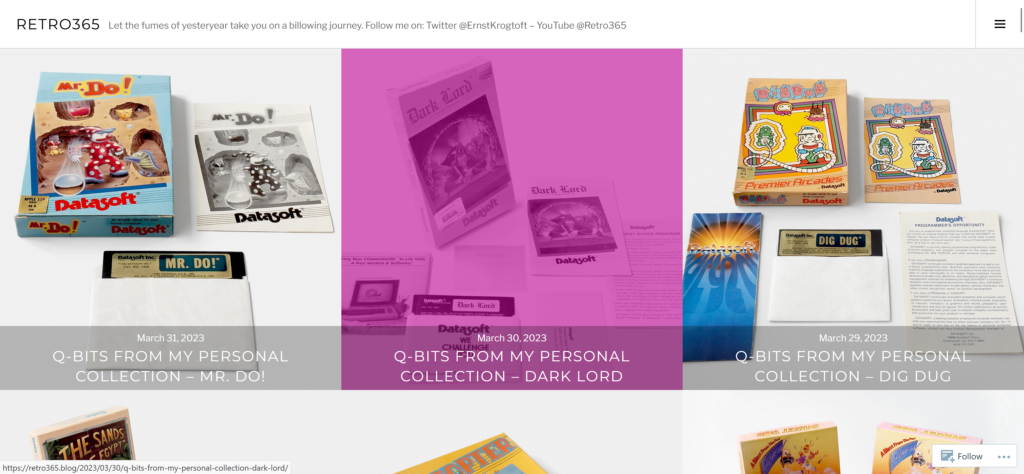
Another Retro Blog: Retro365

If blogging is ever going to come back from its loss to social media, it’s going to have to be from going more social itself. By that I mean links between blogs, making it easier to surface sites to others. Not only directly, but by helping to raise each other’s Google rank, although I think time has shown that Google is a fickle friend to people producing material for the Web, any site prominence you gain can easily be wiped away the next time they change their algorithm. Bigsites naturally get traffic just from being established, and other sites try to become big by gaming their placement with hyper artificial SEO techniques. Meanwhile us littlesites have to succeed largely by being interesting and direct views, as well as what traffic we can gather through followers through RSS, social media, Patreon and other sources. And there’s no reason not to help each other out. We’re not in competition between us. Any cross link, wherever, strengthens us all.

Here’s one from me. Retro365 has a vast collection of gaming media from the earlier days of home computing, and has been going for about three years now. They’ve got lots of demonstrated software on their Youtube channel. If you have an interest in learning about, or just seeing this stuff, they’ve got plenty for you.

Here’s a few choice items from their channel. There’s the classic CGA DOS game Paratrooper (the player doesn’t last long, only a minute):

Dungeon! for Apple II, published by TSR themselves in 1982 (32 minutes):

Oil’s Well for the Atari 400 and 800, a variant of the arcade game Anteater (8 minutes):

And a complete playthrough of comedy adventure game classic Sam & Max Hit the Road for PC (an hour and 47 minutes):

Retro365 blog, and on Youtube.

Loadstar!

Now is the beginning of a fantastic journey!

Aah that’s a screen I haven’t seen in a long long time.

1982 saw the founding of the Apple II computer magazine-on-disk Softdisk. Soon after Softdisk Publishing produced disks for other home computers too. One of them, Big Blue Disk, has gone down in history as previous employer of some of the original principals of id Software, especially John Carmack and John Romero. But another of Softdisk’s legacies was their Commodore 64 product, Loadstar, probably the longest-lived Commodore 64 software publisher. They published C64 software from 1984 to 2007. And most, if not all, of it is available online!

Loadstar is yet another of those computer gaming stories that must be told, and I’m in a pretty good place to tell some of it, because I beta tested for them for many of those years, and sold programs to them as well. Yes, several of their releases bear the programmer name John “The Mad Gamer” Harris. You have to understand, this was long before the word gamer reached common usage. In fact, as someone who may have primacy over the use of the term, I hereby forbid its use by anyone with misogynistic, anti-trans or racist intent. It is so decreed, hey-nonny-nonny!

Loadstar was lots of fun. Every month they’d send you two disks in the mail with several new pieces of Commodore 64 software on it. Under the watchful eyes of Fender Tucker and Jeff Jones, and later on Dave Moorman, it’s not that they grew an empire of Commodore programs, but they did manage to sustain that platform for a small but avid userbase for far longer than you’d have thought possible.

I plan to start doing Loadstar reviews eventually, but in the meantime, you can try out some of the later issues of this important piece of computing history at the site linked below. Note that you’ll have to have a means of running C64 software to use them, of course. The emulator VICE is known to work well. And if you want to hear the words of Fender, Jeff or Dave yourself, all three are on Facebook.

The LOADSTAR Library

Mamesaver

Did you ever look at your collection of legally-acquired of course MAME roms and thought to yourself, I wish I could turn the attract modes of these arcade games into a screensaver? I thought that, and then thought, I should try to create one!

Then I stopped myself, and thought once more: before creating one, let’s use Google to try to find out if someone’s already done it first, save myself a lot of work, wot wot.

As it turns out, someone has made one! Currently it’s only for Windows, sadly, and it requires the NET runtime. It also needs you to have a stock version of MAME already installed. But if MAME is set up so it knows your rompath, it’s smart enough to ask it where to find them. You can even determine the command-line options that MAME receives. It’s nice! Which is why I mention it here! You’re welcome!

GitHub: Mamesaver 3.0.